
How to Password Protect a WordPress Site [5 Easy Methods]
Want to password protect a WordPress site? You can restrict access to your entire website or protect specific pages, posts,

Want to password protect a WordPress site? You can restrict access to your entire website or protect specific pages, posts,

Want to password protect WooCommerce categories? You can do it in two ways. WooCommerce gives you a built-in password option

If you run a WordPress website, you may sometimes need to restrict access to the entire site, specific pages, posts,
WordPress includes a built-in option for password-protecting individual posts. You can use it to share private articles, client content, subscriber
Want to password protect your WordPress site or restrict access to specific pages, posts, products, or other content? The right

Want to hide your WordPress site from the public while you build, test, launch, or update it? You can restrict

If you run a WooCommerce store, you likely face situations where you want to sell items to a limited group

If you want to set up a WooCommerce private store quickly, you found the right guide. Choosing the most effective
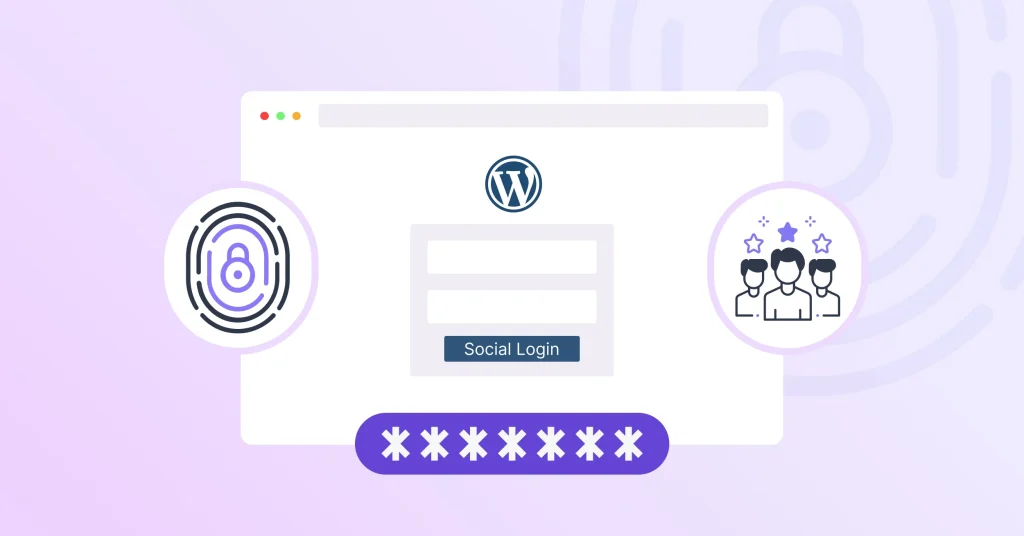
If you are selling a paid course or digital product, running a private blog, or managing premium content, you must
Hackers already know where to find your WordPress admin area. Since wp-admin and wp-login.php are the same on every WordPress
Want to know how to password-protect your entire WordPress site from prying eyes? Whether you’re building a new website, launching
WordPress pages are the building blocks of your website. They help you create important sections such as your homepage, About