


Protect your Wordpress Site Content in Minutes with
Password Protected

Full Site
Protection

Post, Page, Category Protection

Partial Content Protection

Multiple Password Management

Password Activity Logs

Bypass Links
Creation

Elementor & Gutenberg Support

4.5/5 stars on
wordpress.org

Trusted by 400K+
website owners

100% money
back guarantee
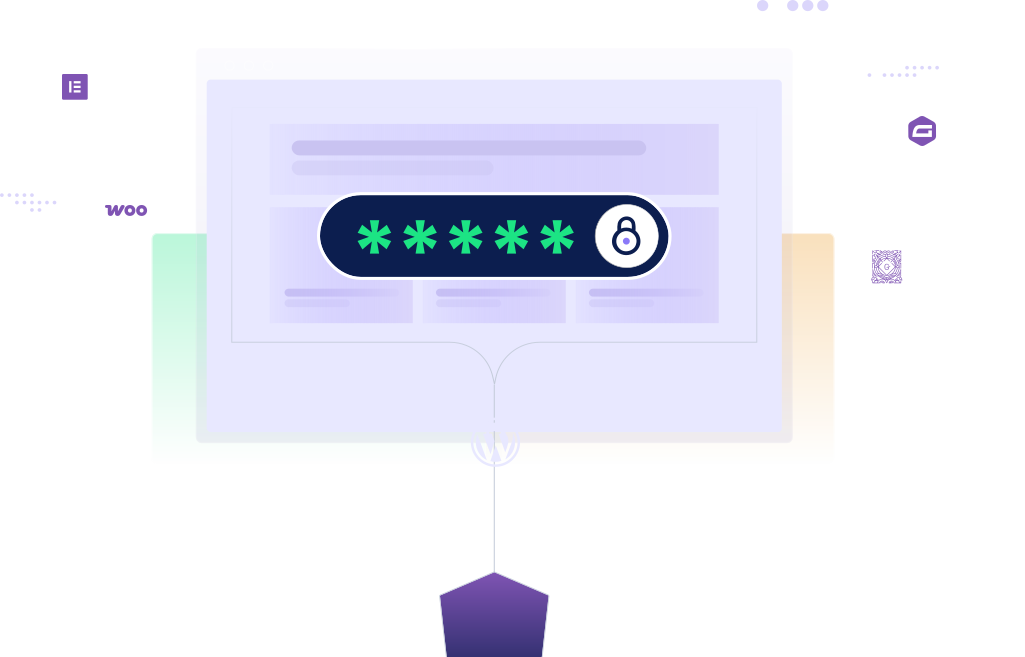
Finally, a WordPress Content Protection Plugin with all the Essential Features You Need!

Real-time Lock Screen Customizer
Make your password protected screen more attractive and professional by customizing its background, logo, color scheme that reflects your branding.

Partial Content Protection
Easily lock specific sections of WordPress pages or posts with shortcodes. Show previews, lock premium content, and it works seamlessly with Elementor & Gutenberg.

Multiple Password Management
Create multiple passwords for the same protected content and manage access for different users or groups.

Custom Post Type Protection
Password protect any WordPress custom post type, such as portfolios, testimonials, news, movies, etc. Create multiple passwords for each custom post type to offer custom products, invite-only events, & more.

WooCommerce Integration
Protect WooCommerce products and sell access to password protected pages and posts as WooCommerce products with custom pricing, usage limits, and expiry rules.

Gravity Forms Integration
Use Gravity Forms to collect user information, payments, or both before granting access to protected content.

Category/Taxonomy Protection
Easily password protect WordPress categories along with all related Post Tags with multiple passwords. Only certain users, roles, or individuals with the password can access the password protected categories.

Specific Page Exclusion
Get greater control over content by excluding certain WordPress password protected pages, such as your homepage, contact page, or any landing page.

Specific Post/Page Protection
Password protect a WordPress page in a few clicks. Whether offering premium content to your subscribers or testing new content before making it public, specific post/page protection makes it easy!
Use WordPress Content Protection the Way You Want
From offering premium blogs to invite-only events, let Password Protected help you out.
Use Case #1:
Provide Premium Content to Your Subscribers
- Give private access to any category, post, and page.
- Offer exclusive articles, e-books, podcasts, reports, etc.
- Track password usage and revoke it as needed.
- Prevent password sharing with multiple passwords.

Use Case #2:
Capture Leads and Sell Protected Content with Gravity Forms
- Collect visitor information (i.e., names, emails, and custom information) before unlocking protected content.
- Accept payments via Gravity Forms and then grant access to password protected content.
- Automatically send secure bypass links after submission.
- Perfect for lead magnets, gated downloads, reports, and member resources.
Use Case #3:
Share Exclusive Portfolio Access with Clients
- Protect your portfolio from unauthorized access.
- Give your clients secure access to your portfolio.
- Generate unique passwords for each client.
- Impress your clients with the custom lock screen.
Use Case #4:
Keep Unfinished Website Pages Private
- Password protect the entire website or any unfinished page.
- Create a temporary/time-sensitive password with limited usage.
- Get passwordless access to your site or pages as an administrator.
- Keep your website or certain pages private while you work on them.
- Preview your finished site or pages before making them public.
Elementor, Gutenberg, Beaver Builder & Gravity Forms Integration
Lock specific sections right inside your favorite page builder and sell password protected content using Gravity Forms.
Use Case #5:
Start a Private Family Blog with Ease
- Easily create a private blog for your family.
- Post family photos, videos, stories, and updates.
- Keep your family connected and informed about your life.
- Enjoy a safe and private space to share your family moments.
- Generate unique passwords for every relative and friend.

Use Case #6:
Invite Members to Exclusive Virtual Events
- Password protect your site page/post for your virtual events.
- Generate a unique password for every participant.
- Customize the lock screen to make event more professional.
- Increase your membership with such exclusive offerings.
Use Case #7:
Sell Member-Only WooCommerce Products
- Password protects any WooCommerce product or category.
- Assign multiple passwords for each category and product.
- Offer special deals, discounts, or bonuses on your products.
- Increase sales by offering exclusive and high-quality products.
Use Case #8:
Sell Protected Content as WooCommerce Products
- Sell premium articles, reports, and private resources.
- Offer simple and variable product options.
- Set password usage limits and expiry rules.
- Automatically generate passwords and bypass links.
Don’t Take Our Word For It
See What Our Users Have to Say

hriepma
@hriepma
5.0
Super easy to use!
Super easy to use and does exactly what I needed. Clean, lightweight, and very reliable—highly recommend 👍
3 months ago
Katherine Kern
@wmpduvaldar
5.0
Premium version is worth it
easy to customize; support is fast
10 months, 1 week ago
swisspaul1956
@swisspaul1956
5.0
Simple and effective – just what I needed
Easy to install and configure. It seems that the Support service must be good too, because as soon as I had deactivated Password Protected, I was contacted by them enquiring whether I was having problems with that module. The answer is no : it works perfectly. And the only reason I deactivated it is that the website on which it was installed no longer contains any sensitive or confidential information that requires the use of passwords. But I can recommend it to anyone looking for a simple effective way of controlling access to a website.
2 months, 1 week ago
danthe man
@dantheman55055
5.0
Great WordPress plugin
Great WordPress plugin. Been using for years. Good tech support +++++
1 year, 1 month ago
userman
@userman
5.0
Very Satisfied – Great Experience
The plugin worked perfectly and did exactly what I needed. I had a great experience with the support as well
1 year, 2 months ago
rpm123abc
@rpm123abc
5.0
A Very Useful Plugin
Easy enough to use and does the job quite well. Password Protected is a helpful plugin that provides quick, reliable site protection without any hassle. Great for staging environments or keeping content private. Highly recommended!
1 year ago
Frequently Ask Question
Why should I use Password Protected Premium?
The premium version of Password Protected offers advanced features, including WP-Admin protection, partial content protection, multiple passwords, password expiration and usage limits, category and taxonomy protection, detailed activity logs, bypass links, and login attempt limits. It also integrates with Elementor, Gutenberg, Beaver Builder, and supports reCAPTCHA, hCaptcha, and Cloudflare Turnstile. Plus, you’ll get unlimited updates and 24/7 priority support.
How does the Password Protected plugin work?
The plugin lets you lock your WordPress site, pages, posts, or even sections of WordPress posts and pages with a password so only authorized visitors can view the content.
How can I protect specific sections of WordPress pages or posts?
Wrap any section in the plugin’s shortcode to lock it. Visitors must enter the password to access the protected text, media, or downloads.
Can I sell password protected content as WooCommerce products?
Yes. Password Protected Pro’s Business Plan lets you sell access to protected WordPress pages and posts through WooCommerce. You can use simple products for fixed-price access or variable products to offer different prices, access durations, and content options. The plugin automatically generates passwords and bypass links for customers after purchase.
What’s your refund policy?
We offer a 14-day money-back guarantee for Password Protected Premium. If you are not satisfied with the plugin for any reason, you can request a full refund within 14 days of purchase. No questions asked.
Is the Password Protected plugin compatible with non-WordPress sites?
No, Password Protected is a WordPress plugin, and it only works with WordPress sites. If you want to protect a non-WordPress site with passwords, you will need to use a different solution.
Do I need any coding knowledge to use Password Protected Premium?
The Password Protected plugin is very easy to use and has a user-friendly interface. You can set up and manage your passwords with just a few clicks. Thus, you do not need any coding knowledge to use Password Protected Premium.
What is the difference between a Basic, Professional, and Business license?
The difference between the licenses is the features included in each plan.
- Basic – Passwordless admin access, Post Type Protection, Password Attempt Activity Logs, User Role Whitelisting, Limit Login Attempts.
- Professional – All Basic features, plus Bypass Links Creation, individual page/post protection, specific page exclusion, and Captcha integration (Google reCAPTCHA, hCaptcha, Cloudflare Turnstile).
- Business – All Professional features, plus Partial Content Protection, Gravity Forms Integration, Request Password, Category/Taxonomy Protection, WP Admin Protection, Multiple Password Management, Advanced Multisite Network protection, and Real-time Lock Screen Customizer.
All licenses include one year of updates and support.
Do you offer a free trial of Password Protected Premium?
No, we do not offer a free trial of Password Protected Premium. However, we do offer a free version of the plugin and a 14-day money-back guarantee for Password Protected Premium. So, don’t hesitate to try the premium version.
Can I use Password Protected Premium on my client’s website?
Yes, you can use Password Protected Premium on your client’s website if you have a Pro or an Agency license, as they allow you to use the plugin on multiple sites.
After I purchase my license, can I upgrade it?
Yes, you can upgrade your license at any time. To upgrade your license, you need to log in to your Password Covered account and click on the Upgrade button next to your license. You’ll only have to pay the difference.
How can I contact your support team when I need help?
You can contact our support team by filling out the contact us form with your full name, email address, reason for contacting, and specific details about the issue. Our support team usually gets back to you within 24 hours.
How does Gravity Forms work with Password Protected?
We have integrated Gravity Forms with the Password Protected plugin, allowing you to replace the default password form with a fully customizable Gravity Form (currently compatible with individual pages and posts only). With this integration, you can collect visitor information, validate passwords, accept payments, and automatically share secure bypass links before granting access to protected content. This gives you more control over how users unlock your protected pages and posts.
Can I use different Gravity Forms for different protected pages?
Yes. You can assign a different Gravity Form to each protected page or post. This allows you to create unique access workflows for lead generation campaigns, client portals, premium content, member resources, and other protected areas of your website.
