


How to Create Password Protected Posts and Pages in Elementor [Complete Guide]
Imagine you’ve built a client portfolio, a course resource, or a private project page in Elementor. You want to share […]
Imagine you’ve built a client portfolio, a course resource, or a private project page in Elementor. You want to share […]

Clients shouldn’t have to search through old emails to find a proposal, design file, invoice, or project update. A WordPress

A WordPress website doesn’t need to make every page available to every visitor. You might want to share private resources
Want to share a password-protected WordPress page without sending someone a password? A WordPress bypass link lets visitors open protected
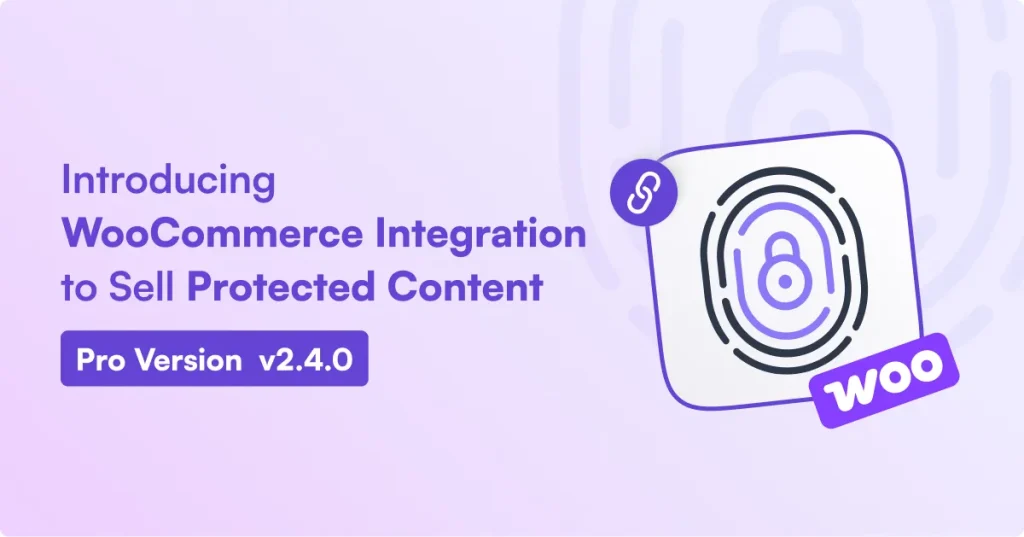
Want to sell access to a private report, premium article, or members-only resource on your WordPress site? Now you can.
Sometimes, you want visitors to read most of a WordPress page but require a password to access one specific section.
WordPress lets you password-protect individual pages and posts, but its built-in feature uses one shared password for each item. This
When visitors reach a password protected WordPress content (i.e., a WordPress page, post, category, product, etc.) without credentials, they need
You don’t need a full e-commerce store just to charge people for access to a WordPress page. If you’re selling

Want to password protect a WordPress site? You can restrict access to your entire website or protect specific pages, posts,
Want to password protect WooCommerce categories? You can do it in two ways. WooCommerce gives you a built-in password option

If you run a WordPress website, you may sometimes need to restrict access to the entire site, specific pages, posts,
