


If you want to run a WordPress membership site or offer an online course, content protection should be your first priority.
As, you spend valuable time, effort, and creativity creating unique content for your website. This content could range from in-depth blog posts and exclusive e-books to stunning photo galleries.
Unfortunately, once your work is online, it is constantly at risk of being stolen and used without your permission.
This process, called content theft, can severely hurt your brand’s reputation and may lead to lost revenue. Nearly 30% of digital creators have already experienced their content being stolen, and that number continues to rise.
In this guide, we’ll explore the 8 best WordPress content protection plugins to help you secure your digital assets in 2025. These tools are designed to stop content scrapers, malicious bots, and unauthorized users from taking your files and text.
Why Do You Need a Content Protection Plugin?
You might think content theft only involves copying text, but the risks are much wider for your website’s health and reputation.
When someone steals your blog posts, images, or videos, it can damage your Search Engine Optimization (SEO). If a search engine, like Google, finds duplicate content on multiple sites, it only indexes one of the similar webpages. The real issue is that you can’t control which version appears in search results.
A content thief who stole your article and posted it on their blog can also show up as the original content, whereas yours might never get indexed due to “duplicate” content.
Furthermore, content scrapers can overload your website’s server by accessing it too frequently. This drains resources and slows your site for real visitors, negatively impacting your SEO rankings.
Finally, these plugins help you create actual value by controlling access to premium work. Whether you have a membership site or sell online courses, protection ensures that only paying customers or registered users can access your exclusive materials. This control is vital for protecting your intellectual property rights and maintaining effective monetization strategies.
What We Look For in a Content Protection Plugin for WordPress?
These are the exact points we considered before choosing the plugins for this list. We looked at how well each tool balanced strong protection with an easy experience for you, the site owner.
- Robust Protection Features: These tools must offer multiple robust defenses, such as disabling right-click and blocking keyboard shortcuts, to stop common content theft methods. The best ones also include watermarking to deter misuse of images and media.
- Content and User Restriction Options: The plugins need fine-grained control to limit access based on user status. This means features such as password protection, content restriction by user role, or paywalls for members-only areas.
- Ease of Use and Setup: We prioritize plugins that are beginner-friendly and require no coding knowledge to set up and manage daily. An intuitive dashboard lets you quickly secure content without slowing down your workflow.
- Security and Performance: A quality plugin must protect content without negatively impacting your site’s speed. We selected tools with active development, meaning they receive regular updates that patch security issues and maintain compatibility.
- Developer Reputation and Support: We only recommend plugins from developers with a reliable track record, as this signals a commitment to quality and longevity. Good support and clear documentation are essential for quickly troubleshooting any problems that arise.
The 8 Best Content Protection Plugins for WordPress
This list is not a direct comparison. We have included various types of plugins, from simple anti-theft tools that stop copying to full-featured membership platforms that restrict content by user role. Each plugin solves a different kind of content restriction challenge, so the “best” one depends entirely on your specific website needs.
Having said that, let’s begin with our list.
1. Password Protected
The Password Protected plugin is a widely trusted and easy-to-use tool for locking down your WordPress site. With a strong rating of 4.4 out of 5 stars and powering over 300,000 active websites, it is a reliable security layer for keeping content private.
It lets you quickly password-protect your entire site with a single master password, ideal for development phases or private previews. It also offers the flexibility to restrict access to specific posts, pages, or categories without managing user accounts.
Strengths
- Simplicity: Offers site-wide protection with just one click, making setup fast.
- Admin Bypass: Administrators can access the site without needing to enter the password every time.
- Content Granularity: Can restrict access to entire sites, specific pages, posts, categories, and even parts of content.
- Generous Free Plan: Although granular control comes with the premium plan, the free plan still offers sufficient content protection features.
Weaknesses
- Complex Dashboard: The dashboard may feel a bit overwhelming at first, but it becomes easy to navigate once you’re familiar with it. For that, we have detailed documentation covering every feature/integration of the plugin.
Key Features of Password Protected
This plugin stands out with a comprehensive set of features for content restriction and security:
- Complete Site Protection: Lock down your entire WordPress site with a single master password.
- WP-Admin/Login Protection: Adds an extra password layer specifically for the /wp-login.php page to block brute-force attacks from reaching the backend.
- Passwordless Admin Access: Admins can bypass the lock screen entirely for a smooth workflow.
- IP Address Whitelisting: Allows you to specify which IP addresses (like your office network) are permanently exempt from the password prompt.
- User Role Whitelisting: Automatically grants access to users with specific roles (e.g., Editor, Subscriber) without a password.
- Google reCAPTCHA Support: Integrates reCAPTCHA or hCAPTCHA to block automated bots from guessing passwords.
- Partial Content Protection: Use shortcodes or Gutenberg blocks to lock down specific sections or blocks within a page or post.
- Activity Reporting: Get weekly reports detailing access attempts (successful and failed) to monitor usage.
Check out the full features list.
Who do We Recommend Password Protected For?
We recommend Password Protected for developers building a site before launch, small businesses needing to share confidential pre-launch content with clients, or site owners who need a simple, iron-clad gate for their entire website.
If you primarily need quick, site-wide privacy with the option to selectively allow staff access via IP or role, this plugin is an excellent, lightweight choice.
2. Ultimate Member
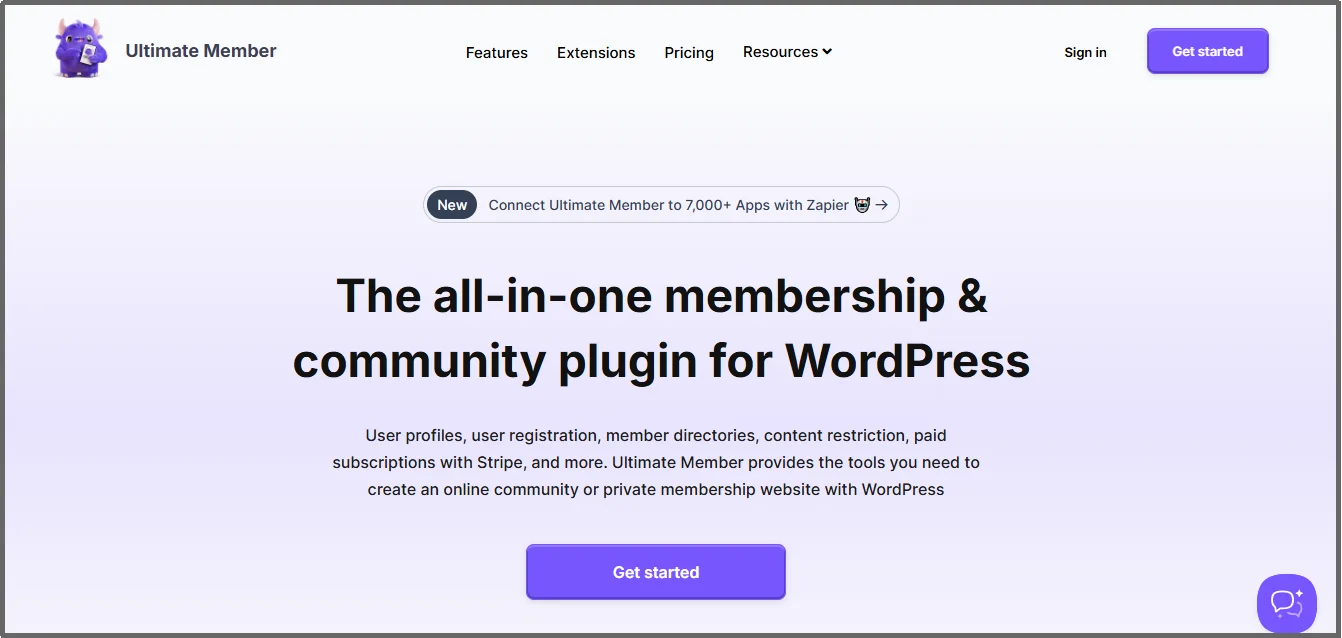
Ultimate Member is a complete membership and user profile plugin for WordPress. It’s perfect for turning your website into a private community or a members-only resource. With over 200,000 active installations and a 4.4 out of 5-star rating, it is a reliable choice for building a content paywall.
This plugin lets you easily restrict content based on a user’s role, such as allowing only “Subscribers” to see certain pages. It gives you full control over who sees your valuable content.
Strengths
- All-in-One: It offers everything you need for a membership site, including user profiles, registration, and login forms.
- Role-Based Control: You can restrict access to pages, posts, or categories based on the user’s role (like ‘Member’ or ‘Premium Subscriber’).
- Customization: The plugin is highly flexible, allowing you to design your own registration and profile forms without any coding.
- Core Plugin is Free: You can use core features like content restriction, user roles, and profile pages completely free.
Weaknesses
- Learning Curve: Because it is an all-in-one solution, the setup can be more complex than simpler password protection tools.
- Add-ons for Advanced Features: Key integrations and advanced features like WooCommerce support or social login require purchasing paid extensions (add-ons).
Key Features of Ultimate Member
This plugin is a powerhouse for site owners focused on building a community and restricting content:
- Global Content Restriction: You can easily restrict access to the entire site for logged-out users, creating a private community.
- Role-Based Restrictions: Apply restriction rules to any page, post, or category to make content exclusive to specific user roles.
- Custom User Roles: Create your own unique user roles (e.g., ‘Gold Member’) and set specific access rules for each.
- Custom User Profiles: Gives users a customizable, front-end profile where they can manage their account details and settings.
- Custom Forms: Build unique registration, login, and password reset forms to match your site’s design.
Who do We Recommend Ultimate Member For?
Ultimate Member works for anyone building a membership site, an online community, or selling online courses. It is the perfect tool if your main goal is to control access to content based on user roles and provide a full, custom user experience.
3. WP Content Copy Protection & No Right Click

If your primary concern is directly stopping people from stealing your work through simple computer actions, the WP Content Copy Protection & No Right Click plugin is the tool for you. With more than 100,000 active installations and a 4.8-star rating, this plugin focuses solely on anti-theft measures.
It uses a combination of JavaScript and Cascading Style Sheets (CSS) to disable common copy-and-paste actions. This includes disabling the right-click menu, preventing text selection, and blocking keyboard shortcuts (like CTRL+C or Command+C) used to copy content.
Strengths
- Direct Anti-Theft: It is highly effective at stopping casual thieves and content scrapers (bots that automatically copy content).
- Multiple Techniques: Uses JavaScript and CSS to provide a higher level of protection than simple right-click blockers.
- Image Protection: It disables drag-and-drop and the ability to save images from your site.
- Free Protection: The basic copy protection features are available for free.
Weaknesses
- Not 100% Foolproof: Very advanced users can still bypass this type of front-end protection by disabling JavaScript in their browsers or viewing the page source.
- Premium for Advanced Features: Key protection tools like image watermarking or whitelisting specific user roles are only available in the paid Pro version.
Key Features
This plugin is loaded with features to physically lock down your content on the screen:
- Disable Right-Click: Completely removes the right-click menu, stopping users from accessing the ‘Save Image As’ or ‘Copy’ options.
- No Text Selection: Prevents visitors from highlighting and copying text from your pages and posts.
- Disable Shortcut Key Block: Disables keyboard commands such as CTRL+A (Select All), CTRL+C (Copy), CTRL+X (Cut), CTRL+S (Save), and CTRL+V (Paste).
- Custom Alert Message: You can set up a custom pop-up warning that appears when a user attempts to copy content.
- Watermarking: Lets you automatically add a visible or hidden watermark (a semi-transparent logo or text) to your images to mark them as yours.
Who do We Recommend WP Content Copy Protection & No Right Click For?
However, if your main concern is controlling file downloads or role-based access, you’ll need a different type of plugin.
We recommend this plugin for bloggers, writers, photographers, and artists whose primary goal is to prevent the simple, unauthorized copying of their text and images. If you are regularly posting highly visual or text-heavy content and want a strong, easy-to-use deterrent against content theft, this is an excellent choice.
4. Prevent Direct Access (PDA)
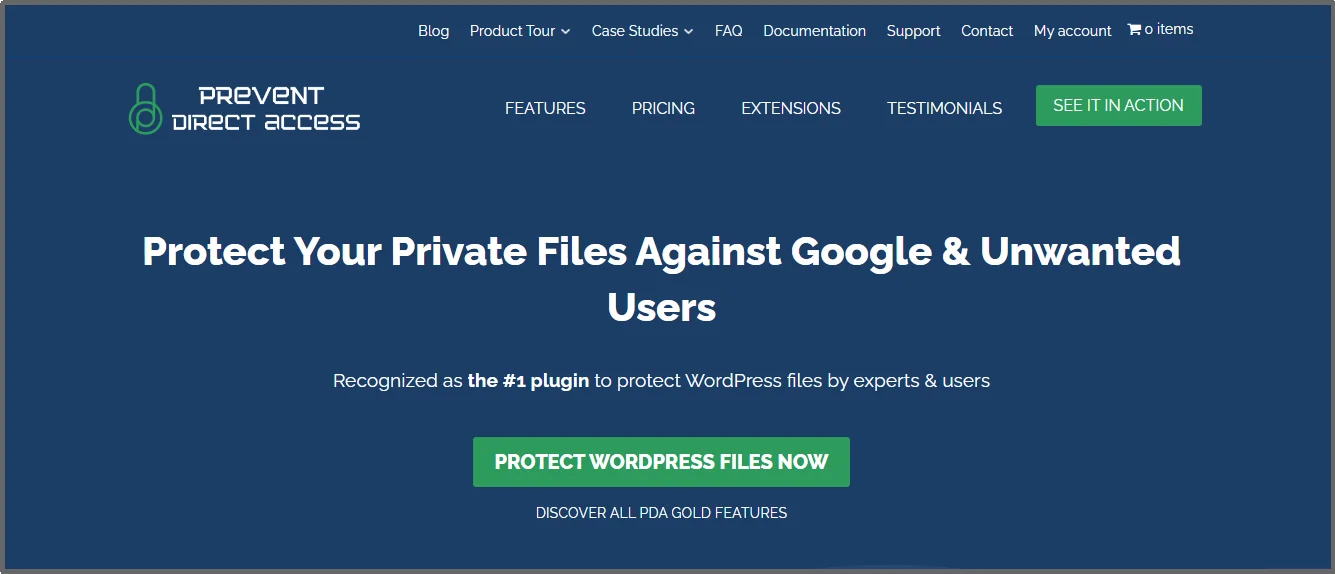
If your main concern is stopping people from directly linking to and downloading your files, like images, PDF documents, or videos, the Prevent Direct Access (PDA) plugin is a top choice for media file protection.
While it shares some security concepts with general protection plugins, the plugin is specifically designed to lock down files within your Media Library. It stops hotlinking (when someone embeds your file on another site using its direct URL) and prevents unauthorized downloads.
Strengths
- Direct File Protection: Excellent at blocking direct HTTP access to files (images, PDFs, videos) located in your upload folders.
- Hotlink Prevention: Stops other websites from embedding your images or files.
- Access Control: Allows you to restrict file access based on user roles (e.g., only shown to logged-in users or specific roles) in the premium version.
- Cloud Integration: Integrates with services like Amazon S3 for even more secure remote file hosting and access control.
Weaknesses
- Niche Specific: It primarily focuses on file access restriction, not on locking down text content on a page/post.
- Advanced Features Cost: The most powerful features, like detailed user role restrictions and advanced firewall rules, are in the Gold (Pro) version.
Key Features
- Block Direct Access: Hides the actual URLs of files like .jpg, .pdf, .mp4, etc., so they cannot be accessed directly via the browser address bar.
- Protected URLs: Generates temporary links for sharing specific files if needed, which expire over time.
- User Role Restrictions: The ability to define which user roles can access protected files.
Who do We Recommend Prevent Direct Access For?
If you are a photographer, designer, course creator, and anyone who frequently uploads PDFs, high-resolution images, or video files that should be accessible only on specific pages or to paying members, you can go with Prevent Direct Access.
5. MemberPress
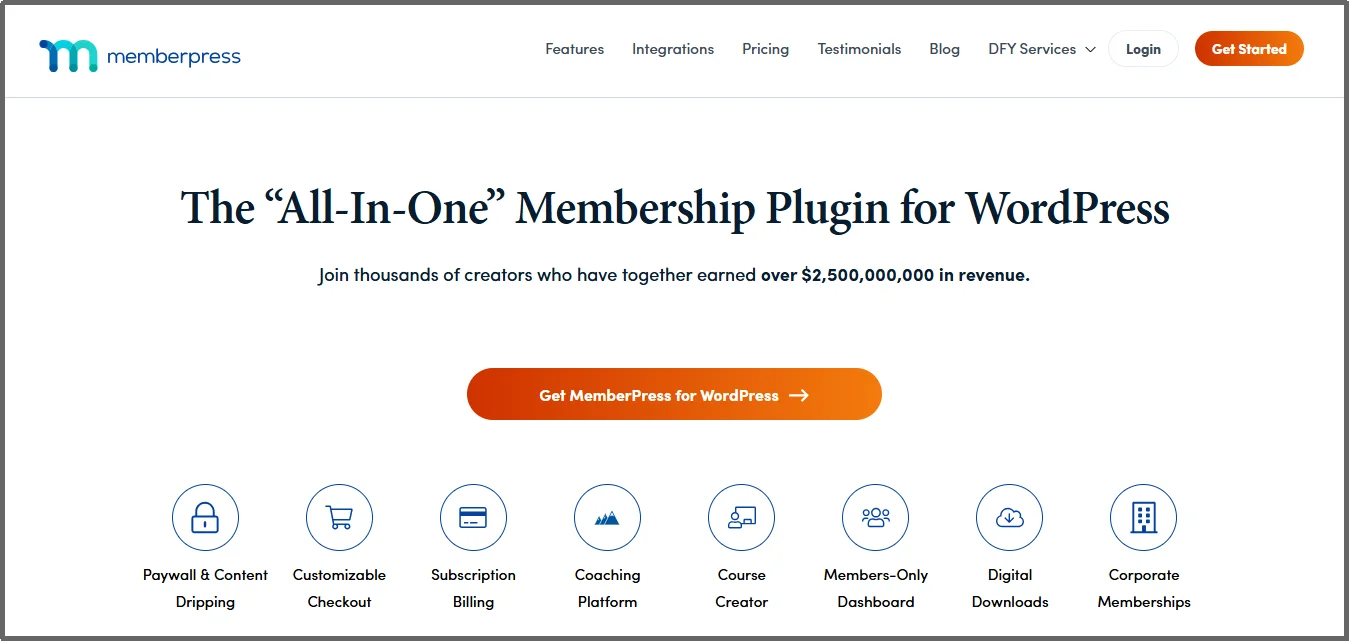
MemberPress is a powerful solution built for turning your WordPress site into a full-fledged membership platform. One of the industry leaders for membership plugins because it focuses on access control tied to subscriptions. With a 4.5-star rating and powering over 1,200,000 active websites, it offers complete control over who can access your content.
Strengths
- Powerful “Rules” Engine: Offers fine-grained control over content access using Membership, Member, Role, or Capability conditions.
- Content Dripping & Expiration: Allows you to release content over time or set an expiration date, keeping members engaged and encouraging renewals.
- Partial Content Rules: You can protect only parts of a page, such as a single paragraph or a video, while leaving the rest public.
Weaknesses
- Cost: It is a premium-only solution; there is no feature-rich free version like Password Protected or any other on this list.
- Complexity: The initial setup and rule configuration take more time than simpler password protection tools.
Key Features of MemberPress
- Content Dripping: Automatically grant access to premium content after a set time period (e.g., showing the next lesson in a course a week after enrollment).
- Payment Gateway Integration: Connects with gateways like Stripe and PayPal to manage subscriptions and one-time payments directly tied to content access.
- Unauthorized Access Control: You can set what a non-member sees, such as displaying a custom message, an excerpt, or redirecting them to a sales page.
Who do We Recommend MemberPress For?
Anyone running a subscription box service, an extensive online course catalog, or a content-gated website where revenue is directly tied to membership tiers, can go with MemberPress. Especially if you need granular content and don’t mind investing in a membership plugin, this can be a good option.
6. Restrict Content Pro (RCP)
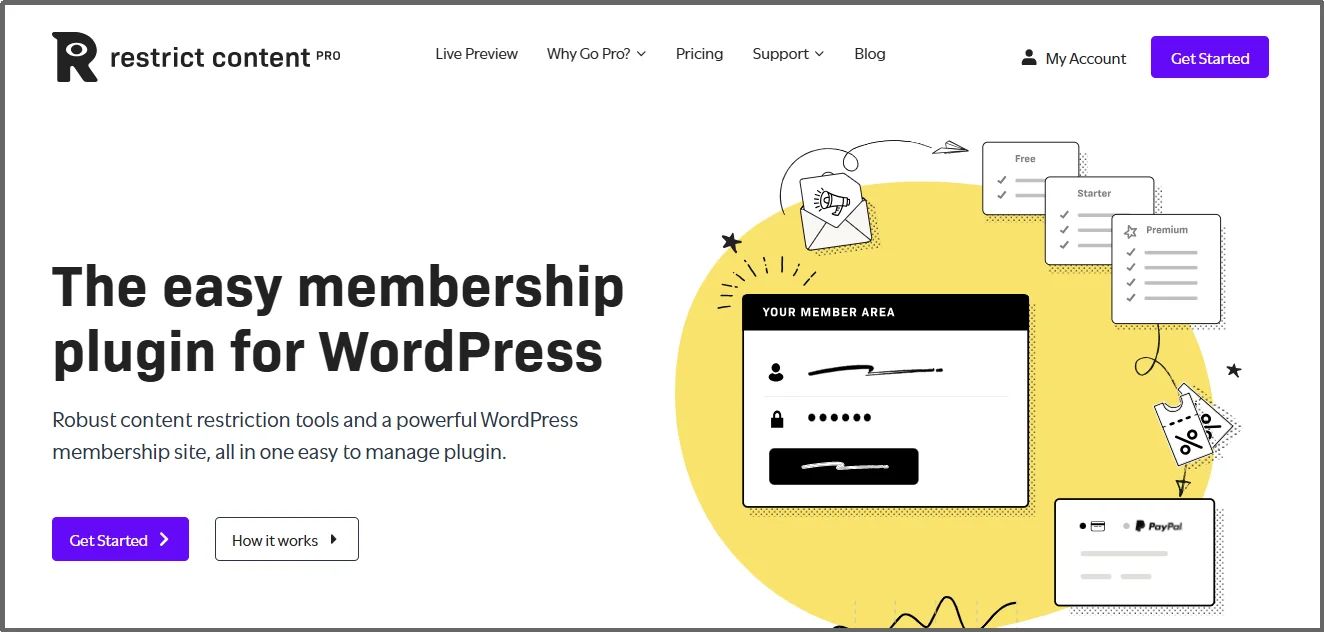
Restrict Content Pro (RCP) is another membership plugin that focuses on content restriction and member management. RCP is built to lock down your content using subscription levels, making it easy to create a paywall (a system that requires payment to view content) for your premium articles, downloads, or video library.
It integrates with WordPress and lets you hide entire posts, pages, or even specific parts of content using simple shortcodes (small, easy-to-use code snippets).
Strengths
- Simple Setup: Its core focus on content restriction makes it much easier to configure than many complex, all-in-one membership systems.
- Unlimited Subscription Levels: You can create as many free, trial, or paid membership levels as you like, giving you full control over your pricing structure.
- Easy Integration: It works well with many popular e-commerce and form plugins to extend its functionality.
- Detailed Reporting: Offers clear, built-in reports for monitoring member sign-ups, payment history, and content access.
Weaknesses
- Premium Only: There is no free version of the plugin; you must purchase a license to use it.
- Core Focus: While this is a strength for some, it lacks features such as forum integration and a built-in Learning Management System (LMS) for online courses. These typically require separate add-ons or plugins.
Key Features of Restrict Content Pro
- Content Preview: It uses an easy shortcode to protect only a portion of a post, like showing a preview paragraph and then requiring membership to read the rest. Similar functionality is also available in the Password Protected plugin.
- Member Management: Provides a clean interface for viewing, managing, and manually adding or approving new member sign-ups.
- Payment Gateway Support: Includes built-in support for major payment providers like Stripe, PayPal, and Braintree for handling recurring subscriptions.
- Discount Codes: Easily create and manage powerful discount codes that can be set to expire or limit the number of uses to drive sales.
- Email Templates: Includes customizable emails for important member events, such as when a membership expires or a payment fails.
Who do We Recommend Restrict Content Pro For?
Restrict Content Pro goes well for content creators and businesses who need a clean, powerful, and direct way to monetize their website. It is an excellent choice for online magazines, exclusive news sites, or professional blogs that want to create a reliable paywall without the bloat of a whole community plugin like MemberPress.
7. Content Control
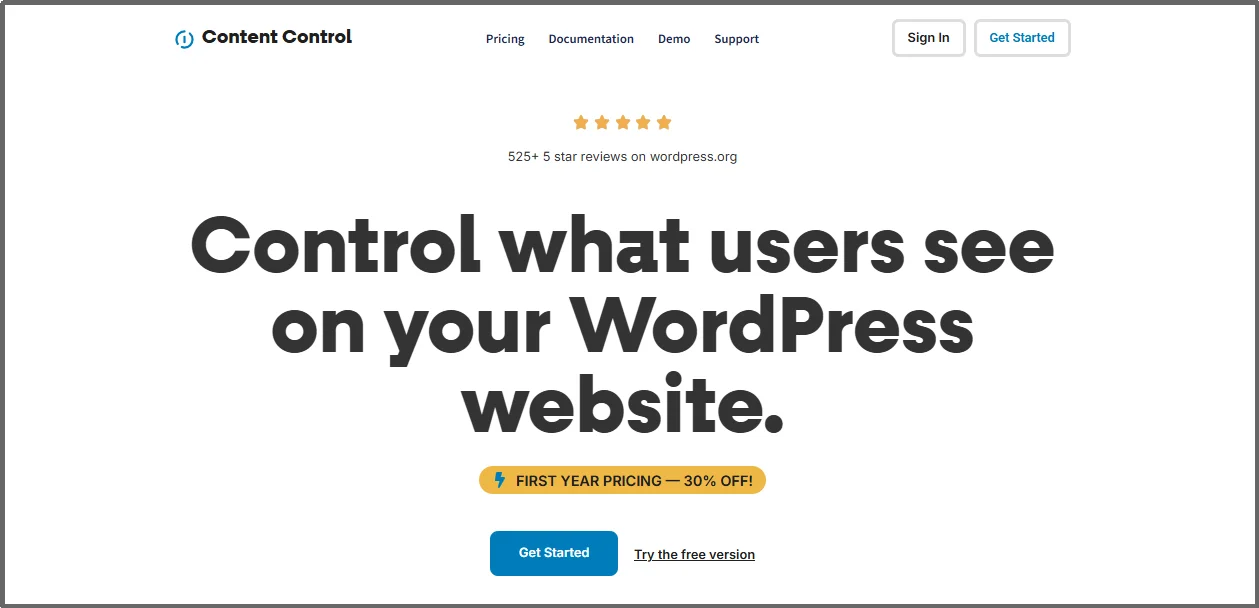
The Content Control plugin is a powerful tool that focuses on giving you fine-grained control over exactly which users can see what on your site. It has a good base with over 40,000 active installations. This plugin goes beyond simple password locking by letting you set conditions based on user status, user roles, or even the device type.
Strengths
- Granular Control: Allows restriction down to individual blocks in the editor, not just whole pages or posts.
- Multiple Conditions: Can restrict content based on user roles, login status, device type (like mobile vs. desktop), and more.
- Content Teasers: Let’s show a preview of the content before locking the rest, which is great for getting sign-ups.
- Block Scheduling: You can set specific dates and times for content to appear or disappear.
Weaknesses
- Pro Features: The most advanced control features, like content teasers and scheduling, require the Pro version.
- Potential Conflicts: As with any plugin that modifies the core editor experience deeply, there can sometimes be conflicts with other specialized block plugins.
Key Features of Content Control
- Role-Based Restrictions: Easily control access to pages, posts, widgets, and blocks based on a user’s assigned role (e.g., Subscriber, Editor).
- Custom Messages: Display a unique message to users who do not have permission to view the content instead of just showing nothing.
- Gutenberg Integration: Offers per-block controls within the modern WordPress editor for very specific protection rules.
Who do We Recommend Content Control For?
Content Control is ideal for sites where different membership levels require access to slightly different information on the same page, or if you manage a corporate site where certain content should only show on desktop, this level of granular control is a major advantage.
8. Passster
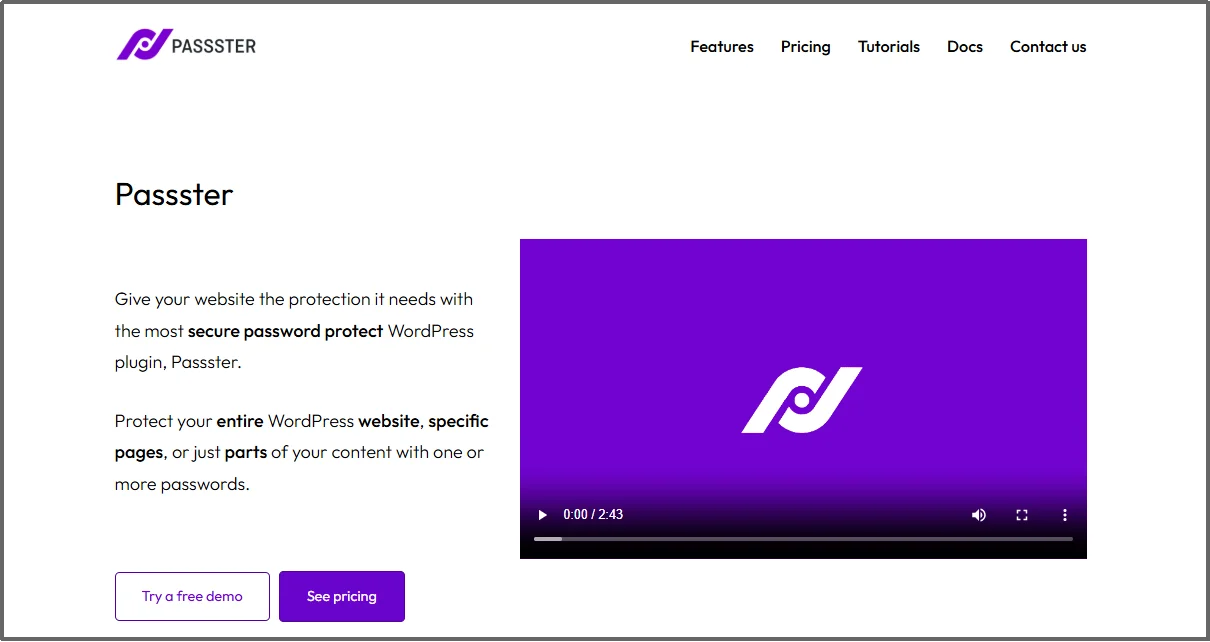
Last but not least, Passster is a flexible plugin that focuses primarily on using passwords, cookies, or CAPTCHA to restrict content access, making it a great alternative to a full membership system.
It has a solid base with over 10,000 active installations. Its main goal is to be quick and easy for site owners who need to lock specific areas or an entire site without setting up complex user roles.
Strengths
- Flexibility: Offers protection via single passwords, multiple passwords, cookies, or CAPTCHA.
- AJAX Unlocking: Allows users to unlock content without a full page reload, which is better for user experience.
- WooCommerce Integration: You can sell access to protected content by automatically generating and emailing passwords after a purchase.
- Compatibility: Works well with page builders and supports Custom Post Types (custom content structures).
Weaknesses
- Free Limitations: The free version is strong but lacks advanced features like multiple passwords, password expiration, and User Role Restriction, which are in the Pro version.
- Less Comprehensive: It is not a full membership system; it lacks features like built-in recurring billing management found in plugins like MemberPress.
Key Features
- Complete Site Protection: You can lock down your entire WordPress site with one master password, redirecting unauthenticated visitors to a specific page.
- Multiple Protection Modes: Choose between simple password entry or cookie-based auto-unlock for returning visitors.
- Password Generation and Lists: The Pro version allows you to generate unique passwords and manage large lists, setting usage limits or expiration dates for each.
- Partial Content Security: Lets you protect specific sections within a page using shortcodes or blocks.
Who do We Recommend Passster For?
We recommend Passster for site owners who need a simple, immediate, and flexible way to gate content using passwords. It’s ideal for offering premium content previews, securing private development sites, or selling unique passwords for specific downloads or pages via WooCommerce.
Quick Comparison: Top WordPress Content Protection Plugins (2025)
| Plugin | Best For | Free Version | Type of Protection | Standout Feature |
| Password Protected | Full site privacy | Yes | Password-based | IP & Role Whitelisting |
| Ultimate Member | Membership & user roles | Yes | Role-based restriction | Custom user registration forms |
| WP Content Copy Protection | Anti-copying & theft prevention | Yes | Front-end restriction | Disable right-click & keyboard copy |
| Prevent Direct Access (PDA) | File download control | Limited | Media protection | Block direct file URLs |
| MemberPress | Subscription paywalls | No | Role + membership control | Content dripping |
| Restrict Content Pro | Monetizing premium content | No | Membership & paywall | Discount codes & email alerts |
| Content Control | Conditional content visibility | Yes | Role + condition-based | Gutenberg block-level control |
| Passster | Password-protected content | Yes | Password & CAPTCHA | WooCommerce password selling |
How to Choose the Right Content Protection Plugin for Your Site
The best content protection plugin depends on what you’re trying to secure and how you manage your users:
- For site-wide privacy: Go with Password Protected. It’s fast, lightweight, and ideal for private projects or client previews.
- For membership-based websites: Choose Ultimate Member or MemberPress. They let you control content by user roles or paid access levels.
- For protecting media files or PDFs: Prevent Direct Access is built specifically for file security and download control.
- For simple anti-copy protection: Use WP Content Copy Protection & No Right Click to deter content scrapers and casual thieves.
- For flexible password access: Try Passster, especially if you sell downloadable files or want cookie-based access.
When selecting a plugin, balance protection strength with usability. A plugin that’s too restrictive may frustrate genuine visitors, while one that’s too lightweight might leave your content exposed.
Final Words
In the end, there is no single “best” content protection plugin for every website. The ideal tool depends completely on your unique business needs and security goals.
For example, if you are a blogger or photographer and your main concern is stopping simple text copying and image theft, a direct anti-theft tool mentioned earlier can be a great choice.
But, if you are a developer or a small business needing to lock your entire site for a private preview with clients, the simple, site-wide protection of Password Protected is exactly what you need.
On the other hand, if you are an online course creator or a publisher selling premium access, a full membership suite like MemberPress or Ultimate Member makes more sense. These plugins allow you to restrict content based on a user’s role or payment status.
The most important thing is to match the plugin’s main features to your specific demands, whether that is file security, community building, or simple password gating.
Secure Your Hard Work With Robust Password Protection!
Don’t let content theft hurt your brand and revenue. Take the first step toward securing your digital assets right now. Download Password Protected. Download Password Protected today and experience how easy it is to add a solid layer of security to your WordPress site.
Frequently Asked Questions (FAQs)
Can I use more than one content protection plugin at once?
You can, but it’s not recommended. Running multiple plugins that modify access or scripts can create conflicts or break your site’s layout.
Will content protection affect my SEO?
No, if configured correctly. Search engines can still index public pages while restricted content remains private. Just avoid blocking important pages like your homepage or product listings.
What’s the difference between password protection and membership plugins?
Password protection simply locks content behind a single password, while membership plugins manage users, subscriptions, and content access dynamically.
Do these plugins protect videos and PDFs too?
Some do, like Prevent Direct Access and MemberPress, which allow you to control file access and even create expiring download links.
What’s the easiest plugin for beginners?
If you just need to lock your site or specific pages, Password Protected or Passster are perfect starting points. Both have simple dashboards and strong free versions.